|
|
Latest Posts
Disabling the Old GalleryI will be disabling the old gallery very soon, perhaps a week or so. So if you have objections or concerns about the new gallery, now is the time to share them…. If you’ve uploaded items in the past…Over the years, since 2006 when RPGMapShare was founded, a lot of people have uploaded a lot of stuff. And, as a result of multiple software changes, the original owner information for… 
Gallery MigrationUpdate Nov 28, 2023: All of the galleries have just about fully migrated. There are a few zip collections that still need to go in, manually. I’m not sure they were necessarily working… |


What is a Virtual Tabletop?
Back in the day, when playing Dungeons and Dragons or the like, you and some friends gathered around a table. The Dungeon Master would sometimes have a battlemat and a bunch of lead figurines. Then, when an encounter occurred, all the figures representing characters, NPCs, and monsters would be placed, and the action would begin.
Today, while many groups still play face to face on a table, many other groups are playing online, gathering from all over the world. Instead of an actual table, they’ll use a Virtual Tabletop, using a PC, Laptop, or tablet. There are many apps out there which serve this function, such as Roll20 (our generous sponsor), Battlegrounds, Maptool, and many others.
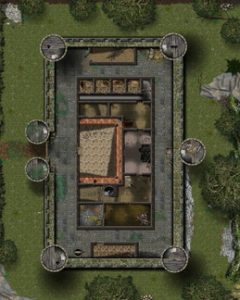
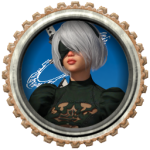
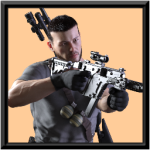
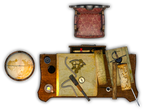
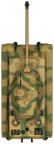
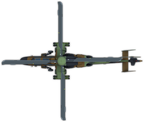
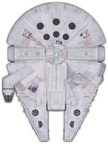
Using these Virtual Tabletops, Gamemasters can setup maps and encounters ahead of time, saving a lot of time and headache at game time. GMs can either create their own maps within the software (in some cases), or they can download maps, tokens, and objects from sites like this one. Objects can be placed, resized, and hidden if needed. Tokens can be assigned to Player Characters, Non-Player Characters (NPCs), and Monsters. Then when needed, the GM can move the tokens and objects in response to player actions or events.
Most of these Virtual Tabletops allow the GM to add status effects to any token, such as if a PC is stunned or unconscious, or if a monster is on fire, etc. Some can even allow the GM to establish vision blocking, to objects, or as invisible shapes drawn on the map. That way, a somewhat realistic line-of-site in relation to Player Character tokens can be established. Meaning, players won’t be able to see what their token can’t see.
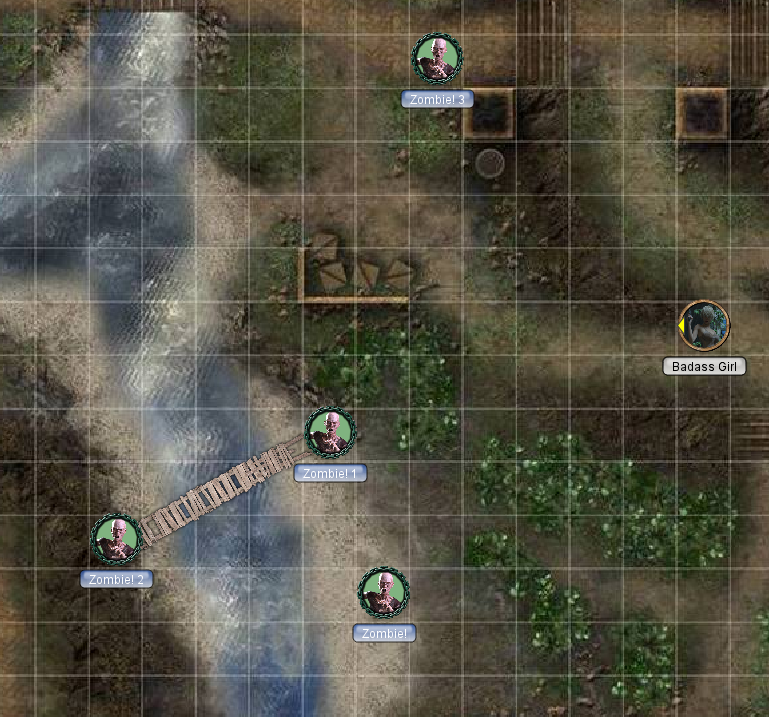
In the screenshot, I made a very quick encounter with Maptool, using one of their out-of-the-box maps. I added one of the free RPG map elements, the wooden walkway over the water, and several free RPG tabletop tokens (all from RPGMapShare). One token is a Player Character, and she’s about to run afoul of four zombies, also tokens on the map. This only took a few minutes to setup, very easy.
With over 1300 maps, and several thousand objects and tokens here at RPGMapShare, you can create very rich encounters in relatively little time.
RPGMapShare came into existence in 2006, out of a desire to create a useful free resource for role-playing games, such as Dungeons and Dragons, Star Wars, and many others.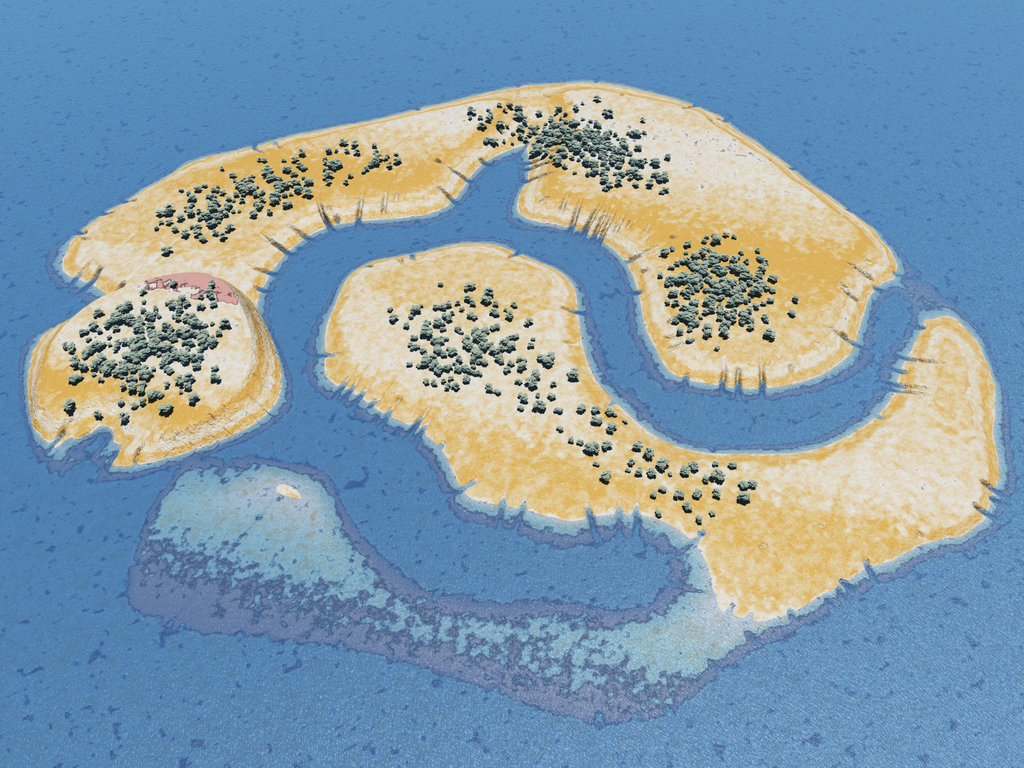 At the time, virtual tabletops were in their infancy, but there were some mapping applications that were making waves. But there weren’t many resources available. You either had to make your own maps, or scrounge around the web for something that was hopefully close. And finding objects and tokens could be pretty difficult and time-consuming. At the time, virtual tabletops were in their infancy, but there were some mapping applications that were making waves. But there weren’t many resources available. You either had to make your own maps, or scrounge around the web for something that was hopefully close. And finding objects and tokens could be pretty difficult and time-consuming.
As of that time, I had been rendering CG (sometimes incorrectly called 3d) images using 3d objects in programs such as Poser and Vue, for a couple of years. So I started rendering whatever I could and started placing them online with a relatively primitive gallery app. Once a few folks started contributing (Notably, folks from the Dundjinni community, such as ProBono, Dorpond, Kepli, and many others), it became apparent that the software I was using wasn’t sufficient.I ended up using a popular web app at the time called Menalto Gallery. Things took off from there. Soon there were 2 or 3 thousand free maps, free objects, and free tokens. But, as with all things software, eventually the Gallery2 software ceased to be supported. And once server software was upgraded to a certain point, the gallery stopped functioning properly. So, 2 or 3 years ago I went looking for a replacement, and ended up with the current software called Piwigo. While it wasn’t perfect, it at least offered a rudimentary import option from the outdated Gallery2 software that was still crawling along. Piwigo is still actively updated, so hopefully it will keep going for a while. Somewhere in the middle of all this, my life circumstances changed, and paying $200 a month for a dedicated server became problematic. I considered going to a subscription-based service model, in order to hopefully gain enough monthly revenue to cover the costs. While I was considering that, I posted asking for donations via GoFundMe, attempting to reach a certain amount to keep the server going for a year or so while I contemplated what to do next. That donation drive was somewhat successful, many folks contributed, garnering a couple thousand dollars, enough to pay for the server for about 10 months. That was good, but what would I do then? I couldn’t keep shilling for cash. Then, the people at Roll 20 offered to fully cover the costs of the server each month. I was pretty stunned, and gladly accepted. That was several years ago, and they’ve been sponsoring the site ever since. The only thing they have asked for in return is that I keep the site going. I am eternally grateful to them.And that’s where we are now. There’s always more to do, however, and donations are always welcome. I also offer custom rendering services for a modest fee. So if you would like some custom character portraits, or tokens, or both, send me a message via the contact form, and we can discuss what you need. Happy gaming everyone!Jeff Alberts (aka Steel Rat) |
Disabling the Old GalleryI will be disabling the old gallery very soon, perhaps a week or so. So if you have objections or concerns about the new gallery, now is the time to share them…. If you’ve uploaded items in the past…Over the years, since 2006 when RPGMapShare was founded, a lot of people have uploaded a lot of stuff. And, as a result of multiple software changes, the original owner information for…
Gallery MigrationUpdate Nov 28, 2023: All of the galleries have just about fully migrated. There are a few zip collections that still need to go in, manually. I’m not sure they were necessarily working… 
How to change your profile avatarChanging your profile Avatar can be a little tricky with this software. So here’s a brief visual guide. 
New Front-End SoftwareHello All, I switched to WordPress for the front end system, since it’s better supported, and generally easier to administer. Unfortunately the gallery is still separate, there is no way to integrate… |
